Module overview
BAZIS Woodworker
Furniture design, drawings and specifications from the model.
 BAZISLITHUANIA
BAZIS IN LITHUANIA
A new license, additional modules or a move to licensed software — discuss your requirements with a manager.
Modules, workstations and technical support terms in one proposal.
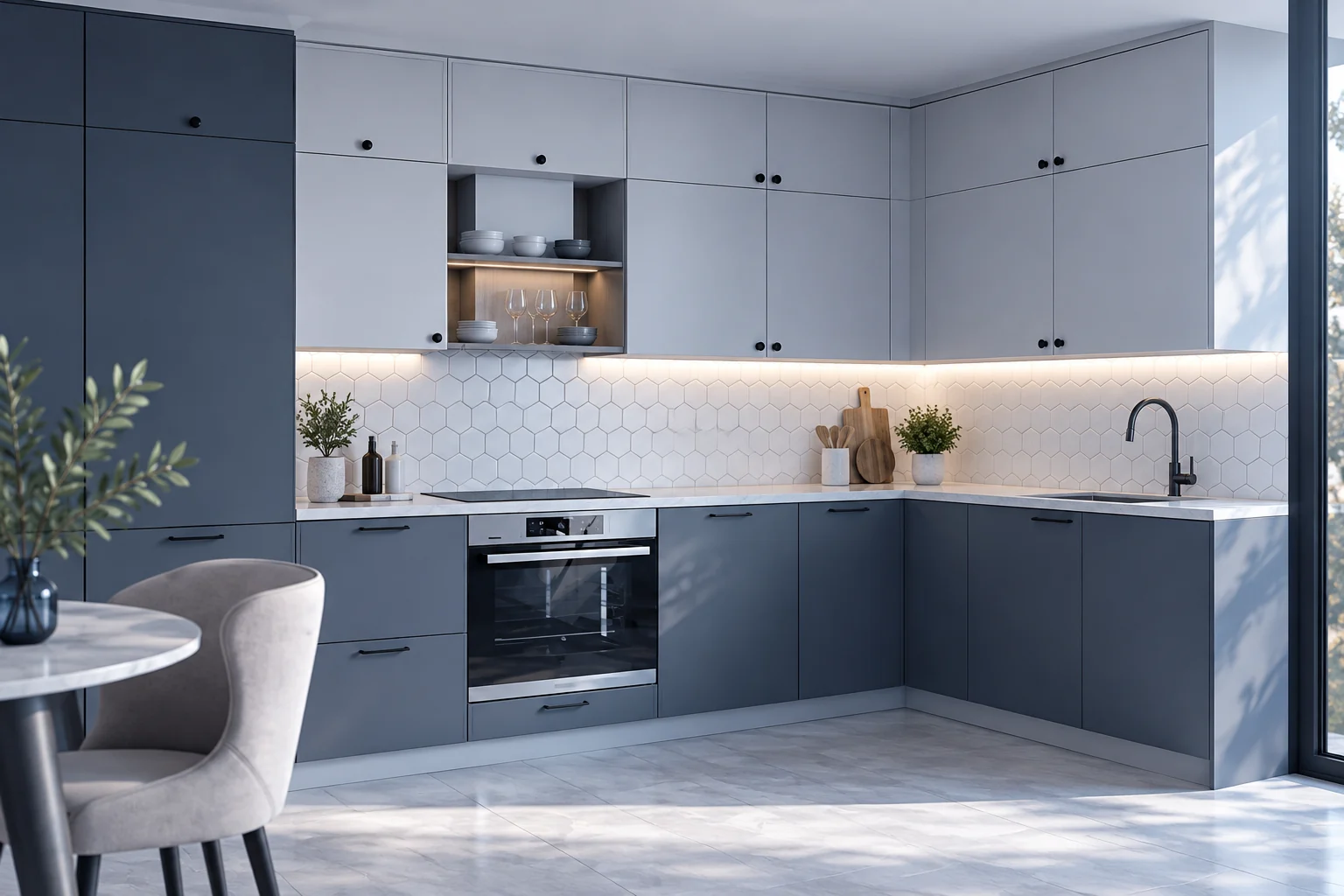
BAZIS SYSTEM
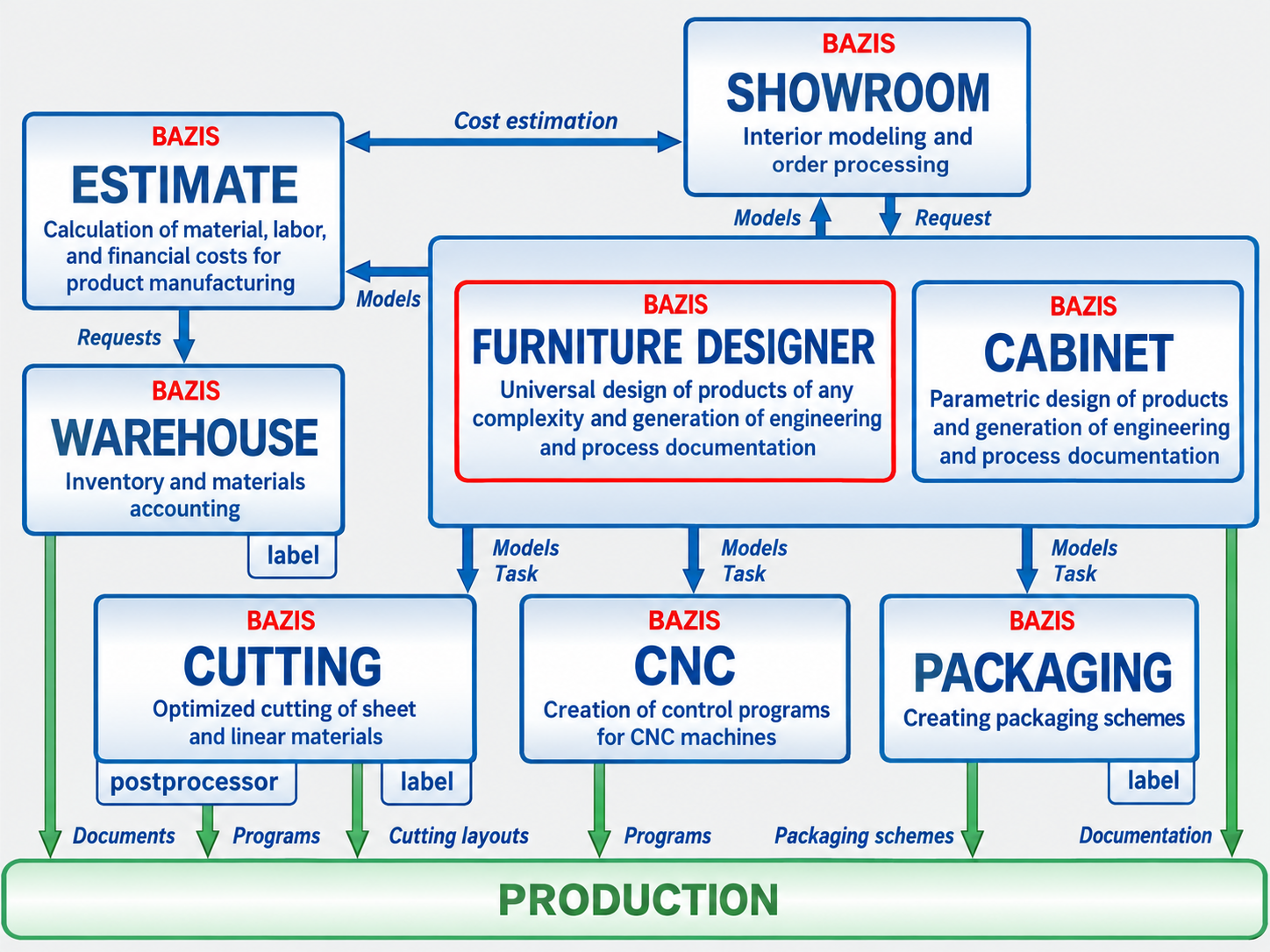
Orders, design, calculations and production preparation. Choose the stages you need — you can add modules as your requirements grow.
02
Select a module for a short overview. Discuss the exact license scope and compatibility with a manager.
Module overview
Furniture design, drawings and specifications from the model.
Module overview
Parametric design for standard furniture products.
Module overview
Product costing and production expense calculations.
Module overview
Cutting plans for sheet and linear materials.
Module overview
Control program preparation for CNC equipment.
Module overview
Packing layouts for furniture components.
Module overview
Component labelling and identification.
Module overview
Material, component and inventory management.
Module overview
Room layouts, furniture placement and order preparation.
03
You do not need to work out every supply option in advance. Tell us your current version and requirements.
Choose the modules and workstations your team needs.
Already using BAZIS? Start with your existing license configuration.
Discuss purchasing a valid license and the version you currently use.
License scope, workstation count and technical support terms are agreed with the manager.
TRY IT IN PRACTICE
Want to try the full functionality of the software? We can provide a trial period for the BAZIS modules your production needs.
Leave a request — a manager will agree the modules, duration and trial terms with you.
Get advice on BAZIS modules. Choose a license configuration and workstation count for your requirements.
Get help with questions about working in BAZIS. A manager will confirm the scope and terms of technical support.
Tell us your version, the module you need and the workstation count. We will discuss the details with you.
Your version, the modules you use and what you want to purchase or add. Do not send license keys or passwords through the form.
Leave your contact details and current version. A manager will discuss purchasing a license; project compatibility is assessed separately.
A manager will confirm the modules, workstations and supply terms, then prepare a proposal for your requirements.
Yes. We need the equipment model and controller to check compatibility.
BAZIS 2026
A license, additional modules or a trial period — start with a short request.